
Security Camera Installation for Kansas City Businesses
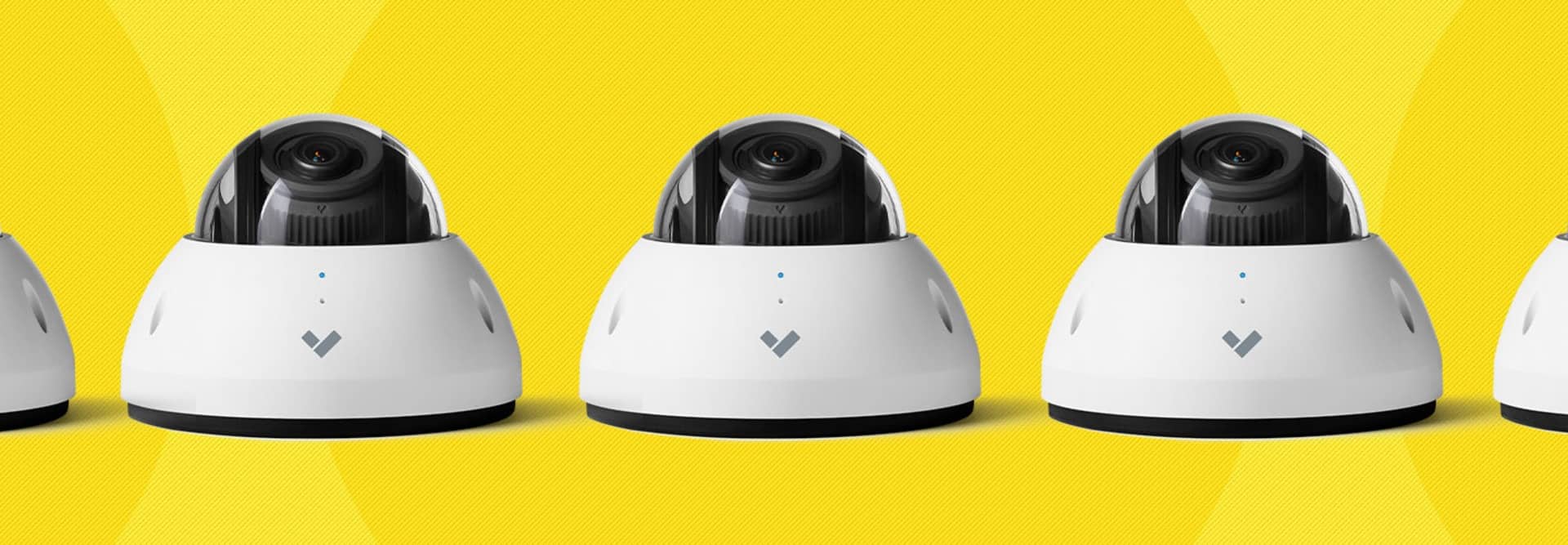
Business security camera installation involves more than mounting cameras and connecting them to an application. Coverage, image quality and reliability depend on site conditions, camera placement, structured cabling, network capacity, power, retention requirements and system configuration.
Towner designs and installs commercial security camera systems for organizations across the KC metro. Our team evaluates the facility, develops the camera and infrastructure plan, installs the required cabling and equipment, configures cloud-managed surveillance tools and provides training and ongoing support.
Solutions can support individual facilities, multi-building campuses and organizations managing security across multiple locations.
Planning a commercial deployment in the KC metro? Learn about Towner’s professional security camera installation process.
Security Camera Installation at a Glance
- Designed for: Commercial facilities, schools, healthcare organizations, municipalities, warehouses, offices and multi-location businesses
- Project scope: Site assessment, coverage planning, camera selection, cabling, network preparation, installation and configuration
- System options: Cloud-managed video surveillance with remote live and recorded access
- Core capabilities: Motion alerts, event search, user permissions, video retention and multi-site management
- Infrastructure: Structured cabling, network switching, Power over Ethernet and internet-capacity planning
- Related security: Access control, intercoms, environmental sensors and other supported physical-security tools
- Service area: KC metro, Missouri, Kansas and the broader Midwest
- Best first step: Document the locations, coverage priorities, retention requirements and operational problems the system must address
Why Professional Business Security Camera Installation Matters
A camera can only record what it can see, reach and store. Professional installation connects the equipment to a complete surveillance design rather than treating each camera as a separate device.
Coverage Planning
Camera location, mounting height, lens selection, lighting and environmental conditions determine whether footage captures useful details. A site assessment identifies entrances, parking areas, service doors, loading zones, interior traffic paths and other coverage priorities.
Reliable Infrastructure
Modern cameras depend on structured cabling, network switches, Power over Ethernet, internet connectivity and sufficient bandwidth. Weak infrastructure can cause missing footage, delayed alerts, unstable connections and poor remote performance.
Recording and Retention
The system should retain footage for an appropriate period and make important events easy to find. Retention requirements depend on camera count, resolution, recording settings, available storage and organizational policies.
Secure Administration
User permissions should control who can view live video, review recordings, export footage and change system settings. Review user access whenever employee roles change.
Future Expansion
A properly planned system can accommodate additional cameras, facilities and related security tools without forcing the organization to rebuild the entire environment.
Cloud-Managed Video Surveillance with Verkada
Towner installs Verkada video surveillance for organizations that want centralized cloud management without maintaining a traditional recording server at every location. Verkada cameras combine local video storage with cloud-based administration, remote access and system management.
Available capabilities depend on the selected camera, license and configuration.

Commercial Camera Options
Verkada offers indoor, outdoor, dome, bullet, panoramic and specialized camera models for different viewing distances, lighting conditions and facility environments.
Remote Live and Recorded Video
Authorized users can review live feeds and recorded events through supported web and mobile applications. Administrators can assign permissions based on employee roles and facility responsibilities.
People, Vehicle and Event Search
Supported analytics can help users locate footage involving people, vehicles and defined events without manually reviewing hours of recordings.
Alerts and Notifications
Organizations can configure supported alerts around motion, activity and other detected events.Design alert rules to provide useful information without overwhelming employees with unnecessary notifications.
Multi-Site Administration
A centralized platform allows authorized teams to manage cameras, users and locations through one interface. This can simplify surveillance management for organizations with several facilities.
System Health Visibility
Cloud management can help administrators identify cameras or devices that require attention, supporting faster troubleshooting and more consistent system operation.
Unified Physical Security
Supported video surveillance can integrate with access control, intercoms, sensors and other Verkada physical-security products. Plan each integration around the organization’s security procedures and response responsibilities.
Kansas City Security Camera Installation Results
Midtown Retail Store: Shoplifting Reduced by 30%
A Midtown Kansas City retailer was experiencing recurring shoplifting losses that affected inventory, employee confidence and daily operations. The existing surveillance equipment did not provide the image quality or alerts the business needed to respond effectively.
Towner installed a Verkada camera system with high-definition video, remote access and supported analytics. The business used real-time alerts and event search to review suspicious activity and respond more quickly.
Within three months, the retailer reported:
- A 30% reduction in shoplifting
- Thousands of dollars in avoided losses
- Improved employee confidence
- Faster review of suspicious activity
“We finally feel in control. The cameras aren’t just catching thieves—they’re preventing theft altogether.” — Midtown retail store manager
North Kansas City Warehouse: Break-Ins Eliminated
A North Kansas City warehouse had experienced repeated break-ins, property damage and operational disruption. The organization needed broader facility coverage and a faster way to identify activity outside normal operating hours.
Towner designed and installed a Verkada surveillance system with remote access and real-time alerts. Management could review events without being physically present at the warehouse and respond before suspicious activity escalated.
Following installation, the customer reported:
- No additional break-ins
- A 15% reduction in internal shrinkage
- Faster review of deliveries and high-value inventory
- Thousands of dollars in avoided property damage
“For the first time in years, I’m not losing sleep over security. Verkada cameras made all the difference.” — North Kansas City warehouse owner
Towner’s Commercial Security Camera Installation Process
1. Site Assessment
Towner reviews the facility, existing security concerns, coverage priorities, lighting conditions, mounting locations and operational requirements.
2. System Design
The project team develops a camera and infrastructure plan based on viewing distance, image-detail requirements, retention, user access and future expansion.
3. Cabling and Network Preparation
Required structured cabling, Power over Ethernet, switching and internet capacity are reviewed or installed to support reliable camera performance.
4. Camera Installation and Configuration
Cameras are mounted, aimed and configured. Users, permissions, alerts, retention settings and supported integrations are established according to the approved design.
5. Testing and Training
Towner verifies camera views, recording, remote access, alerts and system health. Authorized employees receive guidance for reviewing footage and managing the platform.
6. Ongoing Support
After deployment, Towner assists with troubleshooting, user changes, system expansion and other supported surveillance requirements.
Frequently Asked Questions About Business Security Camera Installation
How much does commercial security camera installation cost?
Cost depends on the number and type of cameras, mounting conditions, cabling, network equipment, retention requirements, licenses, integrations and project complexity. A complete proposal should separate equipment, subscriptions, installation and any required infrastructure work.
How long is surveillance footage retained?
Retention depends on the selected platform, license, camera settings and organizational requirements. Higher resolution, camera count and recording activity can affect storage. Retention should be established during system design rather than assumed after installation.
Will the existing network support new security cameras?
It depends on the cabling, switches, available Power over Ethernet, network design and internet capacity. Towner evaluates the existing environment and identifies required changes before deployment.
How long does installation take?
The timeline depends on site size, camera count, mounting conditions, cabling requirements, equipment availability and operating-hour restrictions. Towner establishes the project schedule after completing the site assessment and confirming the scope.
How many cameras does a business need?
The correct number depends on the facility layout and the details the organization needs to capture. A site assessment identifies entrances, parking areas, loading zones, interior paths, restricted spaces and other priorities before camera quantity and placement are finalized.
Can authorized employees view cameras remotely?
Yes. Supported cloud-managed systems allow approved users to access live and recorded video through web and mobile applications. Permissions should limit each user to the cameras, locations and administrative functions required for their role.
Can video surveillance integrate with access control?
Supported systems can connect video events with door-access activity, intercoms and other physical-security tools. Integration helps authorized teams review related events through a more unified workflow.
Does Towner provide support after installation?
Yes. Towner provides ongoing assistance for supported systems, including troubleshooting, user administration, configuration changes and future expansion. Available support arrangements should be confirmed in the project agreement.